Tap. And keep going.
Tap to start or stop a hands-free recording. Keep your attention on the scene.
Landscape video. Upright iPhone. Record the world in a wider frame without changing how you hold your phone.
Available after App Store approval · For iPhone
Unfold uses a centred landscape crop to turn an upright capture into a horizontal movie. Try the framing study to see the idea.
Native stabilisation can apply different crop margins to the preview and saved movie.
A landscape frame within an upright view.
Illustrative framing study. Not a live camera.
Tap to start or stop a hands-free recording. Keep your attention on the scene.
Press and hold to record until you release. Dwell on Lock to continue recording hands-free.
Slide vertically while holding to adjust zoom. Available zoom presets depend on your iPhone.
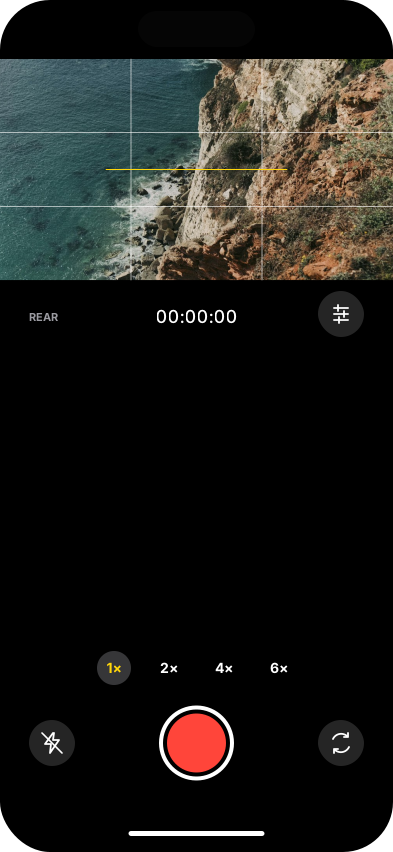
Export a 1920 × 1080 landscape movie with microphone audio. Unfold saves a copy to Photos when permission allows, and keeps a local recovery copy.
Existing camera design. The coastal image is reference media, not footage recorded by Unfold.
A 1920 × 1080 landscape movie with microphone audio. Available zoom options depend on your iPhone.
Both use the centred landscape crop path. Native stabilisation can apply different margins, so exact framing can differ.
Unfold will be available on the App Store after Apple approves the submission. Use the App Store link above to check availability.
Available after App Store approval. Requires iOS 18 or later.